×
- Hello
- Login or Register
- Quick Links
- Live Chat
- Track Order
- Parts Availability
- RMA
- Help Center
- Contact Us
- Shop for
- Acura Parts
- Acura Accessories

My Garage
My Account
Cart
Genuine Acura MDX Speaker
Car Speakers- Select Vehicle by Model
- Select Vehicle by VIN
Select Vehicle by Model
orMake
Model
Year
Select Vehicle by VIN
For the most accurate results, select vehicle by your VIN (Vehicle Identification Number).
51 Speakers found
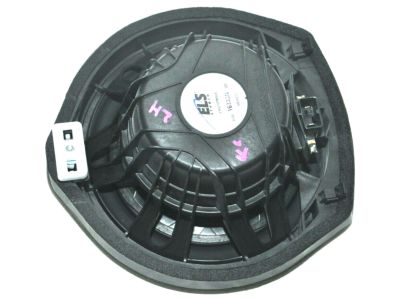
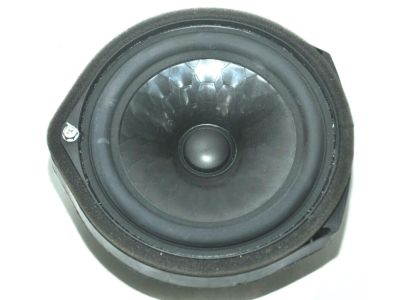
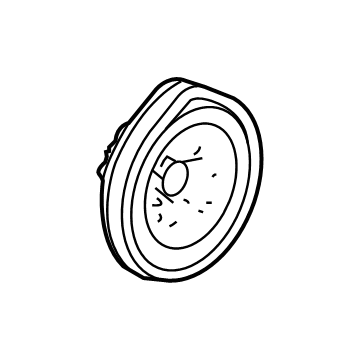
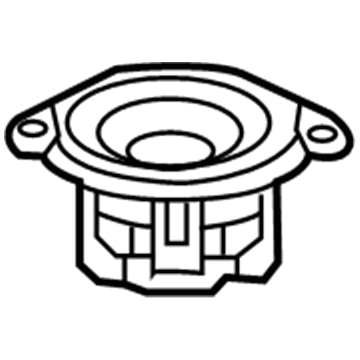
Acura MDX Door Speaker Assembly (17Cm)
Part Number: 39120-TZ5-A01$60.57 MSRP: $84.48You Save: $23.91 (29%)Ships in 1-2 Business Days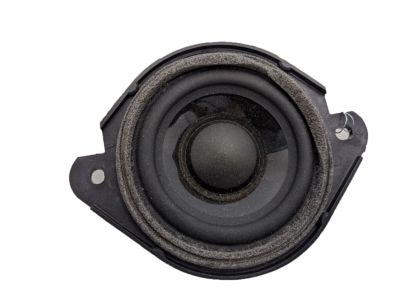
Acura MDX Stereo Audio Radio-Dash Speaker
Part Number: 39120-TZ5-A31$54.90 MSRP: $76.56You Save: $21.66 (29%)Ships in 1-3 Business Days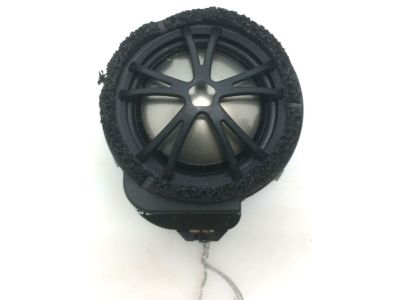
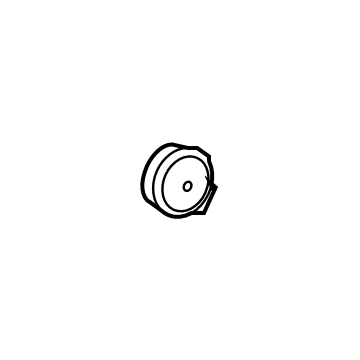
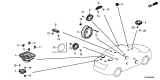
Acura MDX Right Left Tweeter Speaker
Part Number: 39120-TZ5-A52$52.36 MSRP: $73.04You Save: $20.68 (29%)Ships in 1-2 Business Days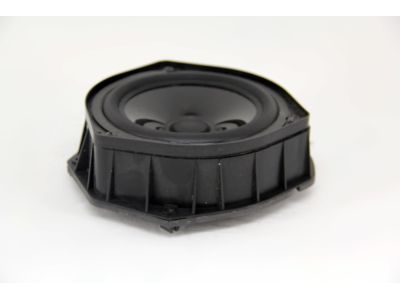
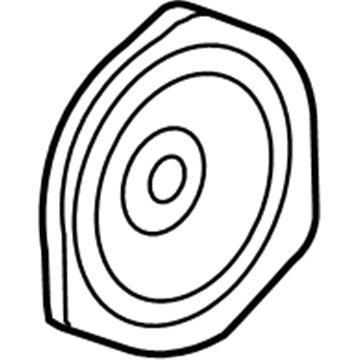
Acura MDX Speaker Assembly (17Cm)
Part Number: 39120-STX-A01$40.39 MSRP: $56.34You Save: $15.95 (29%)Ships in 1-3 Business Days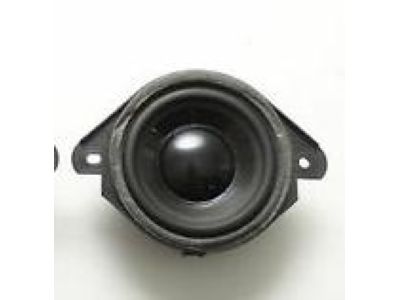
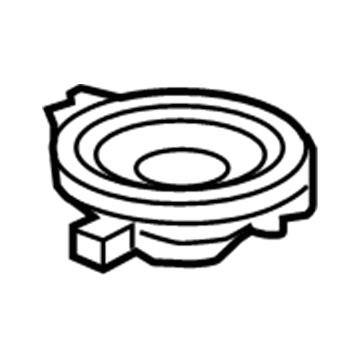
Acura MDX Speaker Assembly (9Cm)
Part Number: 39120-THR-A42$52.02 MSRP: $72.55You Save: $20.53 (29%)Ships in 1-3 Business Days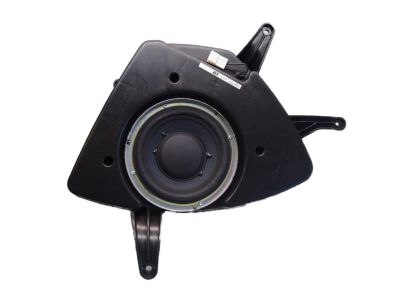
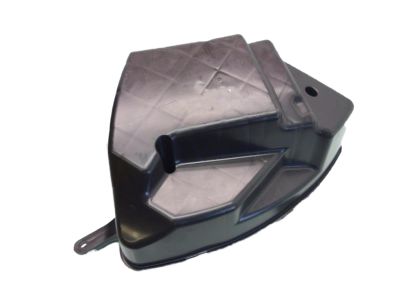
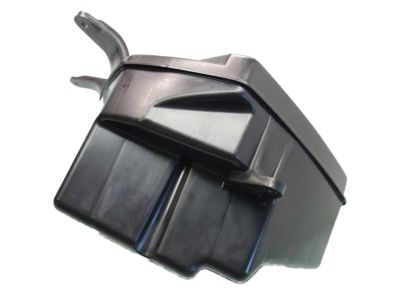
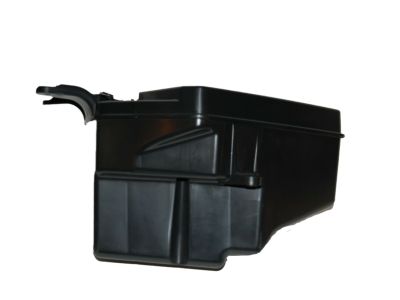
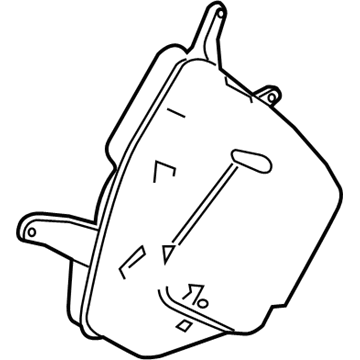
Acura MDX Rear Subwoofer Box (Panasonic)
Part Number: 39120-TZ5-A12$295.23 MSRP: $421.64You Save: $126.41 (30%)Ships in 1-3 Business Days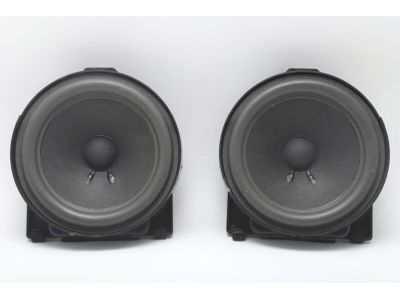
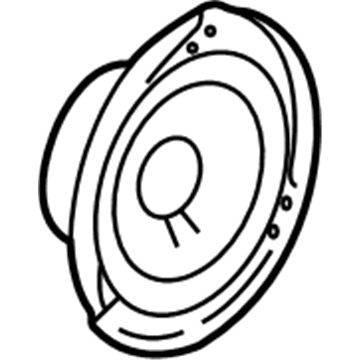
Acura MDX Rear Door Speaker Bose
Part Number: 39120-S3V-A91$98.00 MSRP: $137.49You Save: $39.49 (29%)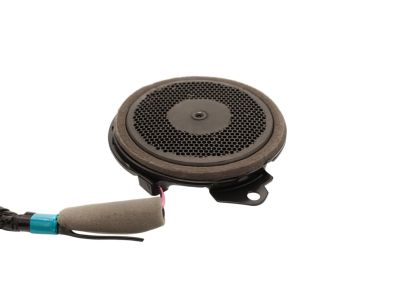
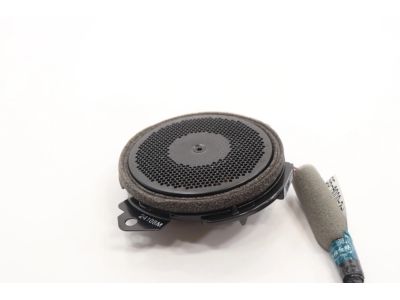
Acura MDX Speaker Assembly, Thin (8Cm) (Panasonic)
Part Number: 39120-T6N-A31$53.12 MSRP: $74.08You Save: $20.96 (29%)Ships in 1-3 Business Days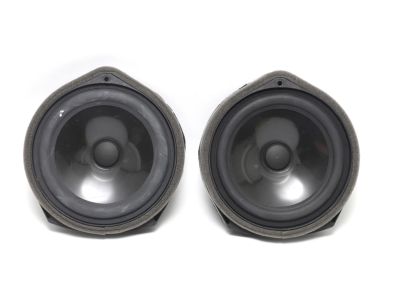
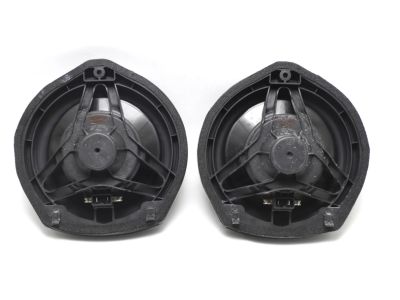
Acura MDX 17Cm Rear Door Speaker Assembly
Part Number: 39120-TZ3-A21$58.77 MSRP: $81.96You Save: $23.19 (29%)Ships in 1-3 Business Days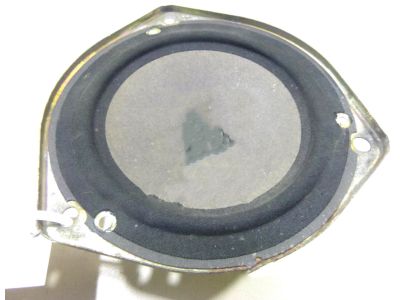
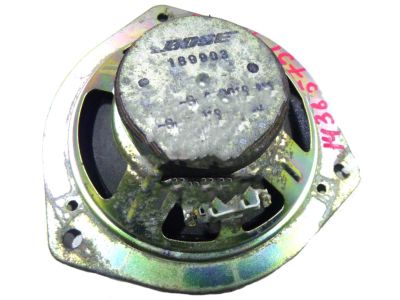
Acura MDX Speaker Assembly (16Cm) (Single Cone) (Bose)
Part Number: 39120-S0A-903$110.07 MSRP: $154.78You Save: $44.71 (29%)Ships in 1-2 Business Days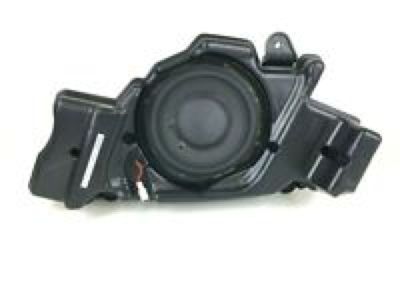
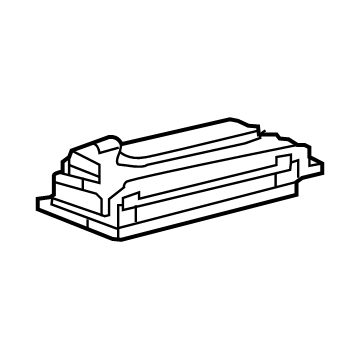
Acura MDX Array Speaker Assembly
Part Number: 39120-TJB-A71$35.50 MSRP: $49.51You Save: $14.01 (29%)Ships in 1-3 Business Days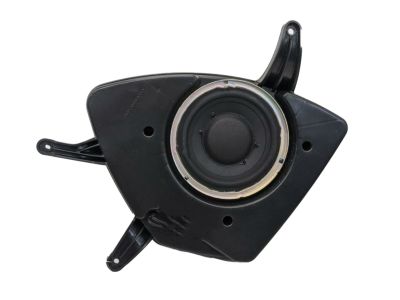
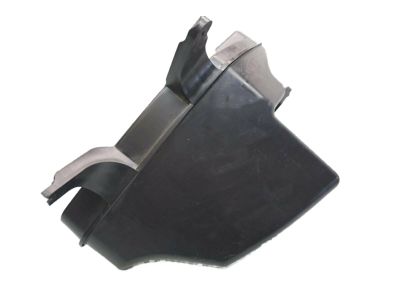
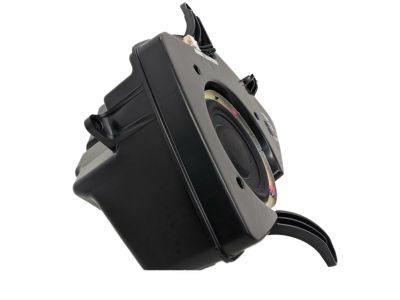
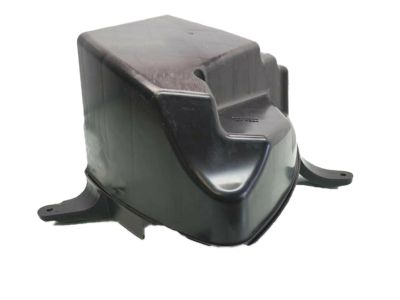
Acura MDX Subwoofer Audio Speaker
Part Number: 39120-TZ5-A11$308.65 MSRP: $440.79You Save: $132.14 (30%)Ships in 1-3 Business Days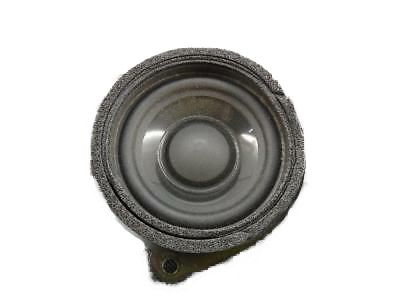
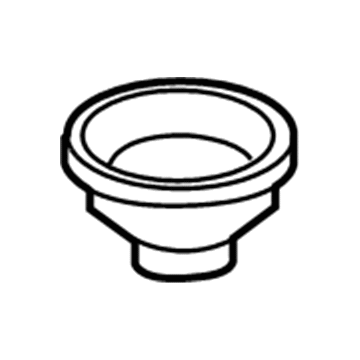
Acura MDX Rear Upper Quarter Panel Speaker
Part Number: 39120-STX-A31$39.89 MSRP: $55.63You Save: $15.74 (29%)Ships in 1-2 Business Days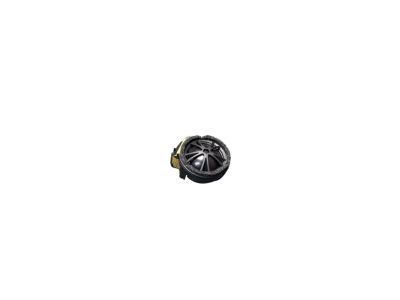
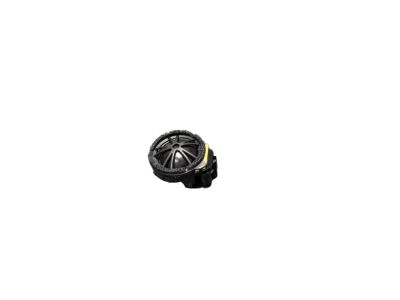
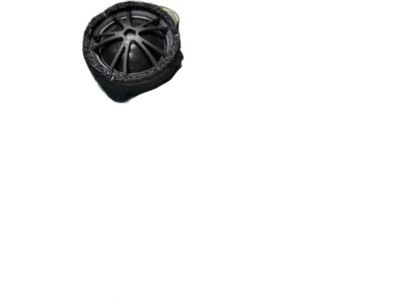
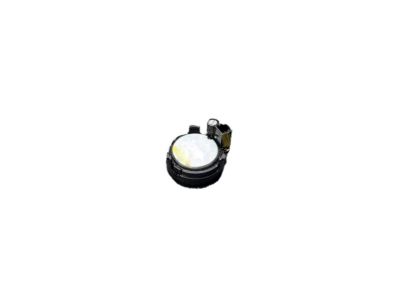
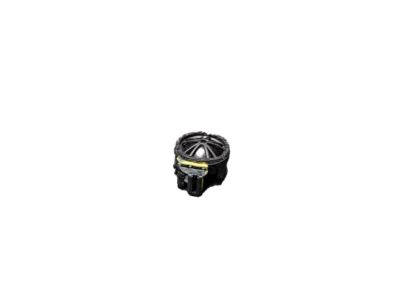
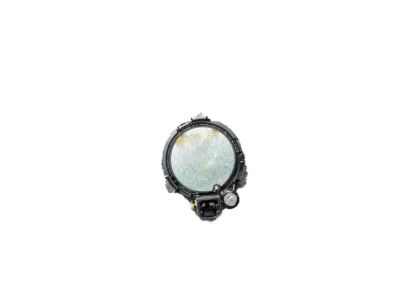
Acura MDX Twee Speaker Assembly
Part Number: 39120-TZ3-A01$46.90 MSRP: $65.42You Save: $18.52 (29%)Ships in 1-3 Business Days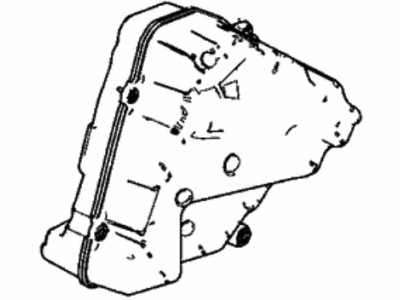
Acura MDX Subwoofer Speaker
Part Number: 39120-TYA-A01$225.23 MSRP: $321.68You Save: $96.45 (30%)Ships in 1-3 Business Days
Acura MDX Array Speaker Assembly
Part Number: 39120-TGV-A11$35.43 MSRP: $49.42You Save: $13.99 (29%)Ships in 1-3 Business Days
Acura MDX Quarter Sound Audio Speaker
Part Number: 39120-TK8-A01$50.39 MSRP: $70.28You Save: $19.89 (29%)Ships in 1-3 Business Days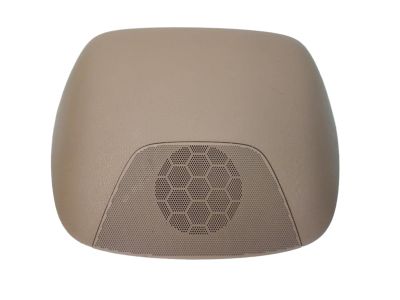
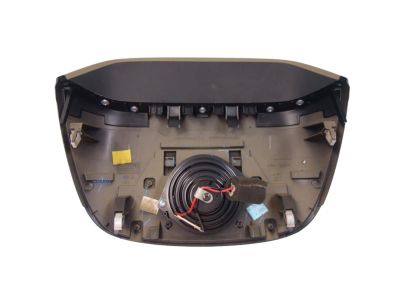
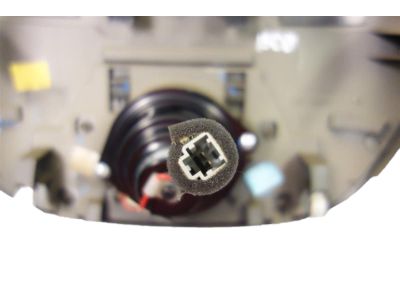
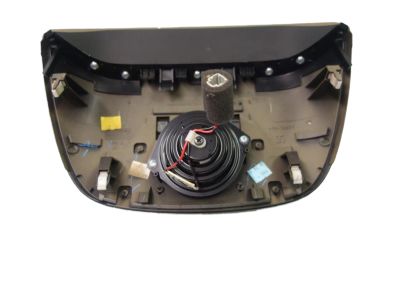
Acura MDX Stereo Audio Radio-Dash Speaker
Part Number: 39120-STX-A21$39.22 MSRP: $54.70You Save: $15.48 (29%)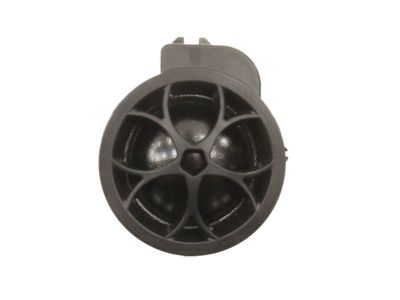
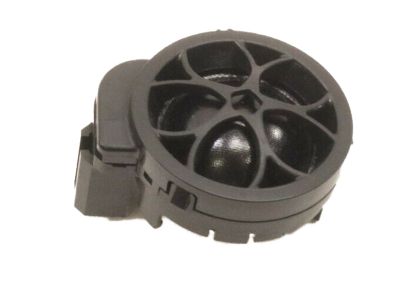
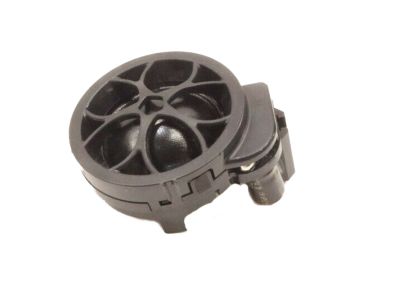
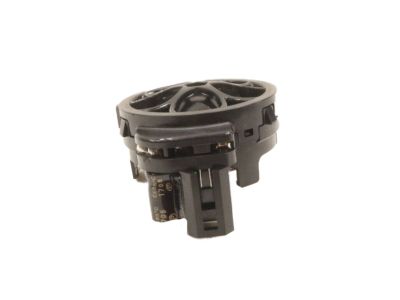
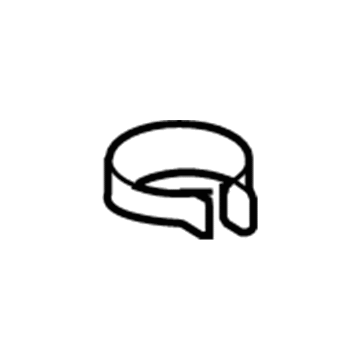
Acura MDX Tweeter Speaker Assembly
Part Number: 39120-STX-A11$38.89 MSRP: $54.22You Save: $15.33 (29%)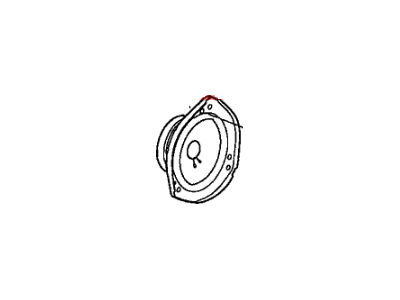
| Page 1 of 3 |Next >
1-20 of 51 Results
Acura MDX Speaker
Through durable cones, precision tweeters and robust surrounds, the Acura MDX Speaker upgrade replaces basic factory units to deliver a fuller sound to the cabin. Everybody in the car will be able to enjoy clearer music to and from work every day. The popular MDX, an Acura SUV, uses known mounting points for easy swaps, which means that upgrades slide in without panel cutting. The Speaker line fulfills its mission with full range and component designs for these two main reasons. Full range versions arrive as compact 2-way or 3-way systems that fit into compact housings which contain a woofer, tweeter and sometimes mid-range driver. These are commonly mounted into the original door slots, making them ideal when space is a constraint but good bass and clear highs are still desired. The component design opts for a modular design where two woofers, two tweeters and a crossover separates frequencies correctly before each Speaker to limit distortion and let owners position pieces around the cabin for a real stage. Both styles coordinate wattage and sensitivity to the head unit so each Speaker plays efficiently, no matter how little or much power. The polypropylene blends and butyl rubber production of the Acura MDX Speaker, combined with the elimination of fragile paper cones and foam surrounds, enhances durability against heat, vibration and age while maintaining punchy beats and smooth voices.
We provide a broad range of OEM Acura MDX Speaker at unbeatable prices on our website. For your OEM parts, You can count on the guaranteed quality, manufacturer's warranty, outstanding customer service, and prompt delivery. We look forward to your visit.
Acura MDX Speaker Parts Questions & Experts Answers
- Q:How to remove and install Speakers on an Acura MDX?Posted by Geissy B.A:To take the radio out of MDX models without navigation, you'll need to remove the radio trim panel with a special trim tool. Then, unscrew and pull off the radio from its four mounting screws and disconnect the Antenna and wiring. Before installing a new radio, take out the three screws that connect each old bracket and put them on the corresponding new bracket screws. On any model with GPS, you must disconnect the radio by removing four screws from each mounting bracket after taking off the complete heater/air conditioning and trim panel piece. To reach the CD changer without navigation, first remove the trim panel under the center of your instrument panel and the air control system next to it. From there, detach the CD changer by loosening two screws from each of its two brackets. With models that have navigation setting, follow these steps: Shift the driver's seat backward, take out the threaded four nuts, unplug the electrical ports, and remove any screws attached to metallic holders fixed onto the seats. Loosen the door speakers by removing the speaker grille with a trim removal tool, then unscrew both mounting screws and take off the electrical connector. When pulling off tweeters on the dashboard, use a trim removal tool to loosen them and disconnect the wire connection. Take off the speaker grille covering the cargo area and either right rear panel. Unfasten the mounting screws and disconnect the connecting cable. Swapping all parts back into place is exactly the opposite of taking them out.Answered by Acura Parts Specialist Sal / Jan 16, 2024
Related Acura MDX Parts
 Acura MDX Cruise Control Switch
 Acura MDX Antenna
 Acura MDX Antenna Mast
 Acura MDX Antenna Cable
 Acura MDX A/C Switch
 Acura MDX Cigarette Lighter
 Acura MDX Cup Holder
 Acura MDX Dome Light
 Acura MDX Door Trim Panel
 Acura MDX Antenna Base
Browse by Year
2026 Speaker 2025 Speaker 2024 Speaker 2023 Speaker 2022 Speaker 2020 Speaker 2019 Speaker 2018 Speaker 2017 Speaker 2016 Speaker 2015 Speaker 2014 Speaker 2013 Speaker 2012 Speaker 2011 Speaker 2010 Speaker 2009 Speaker 2008 Speaker 2007 Speaker 2006 Speaker 2005 Speaker 2004 Speaker 2003 Speaker 2002 Speaker 2001 Speaker